Features, explained

The numbers, in plain language.

Optivo is built on a few serious ideas — Strokes Gained, the World Handicap System, shot-level tracking. Here's what each one means and how to use it, without the jargon.

Strokes Gained

What Strokes Gained actually measures.

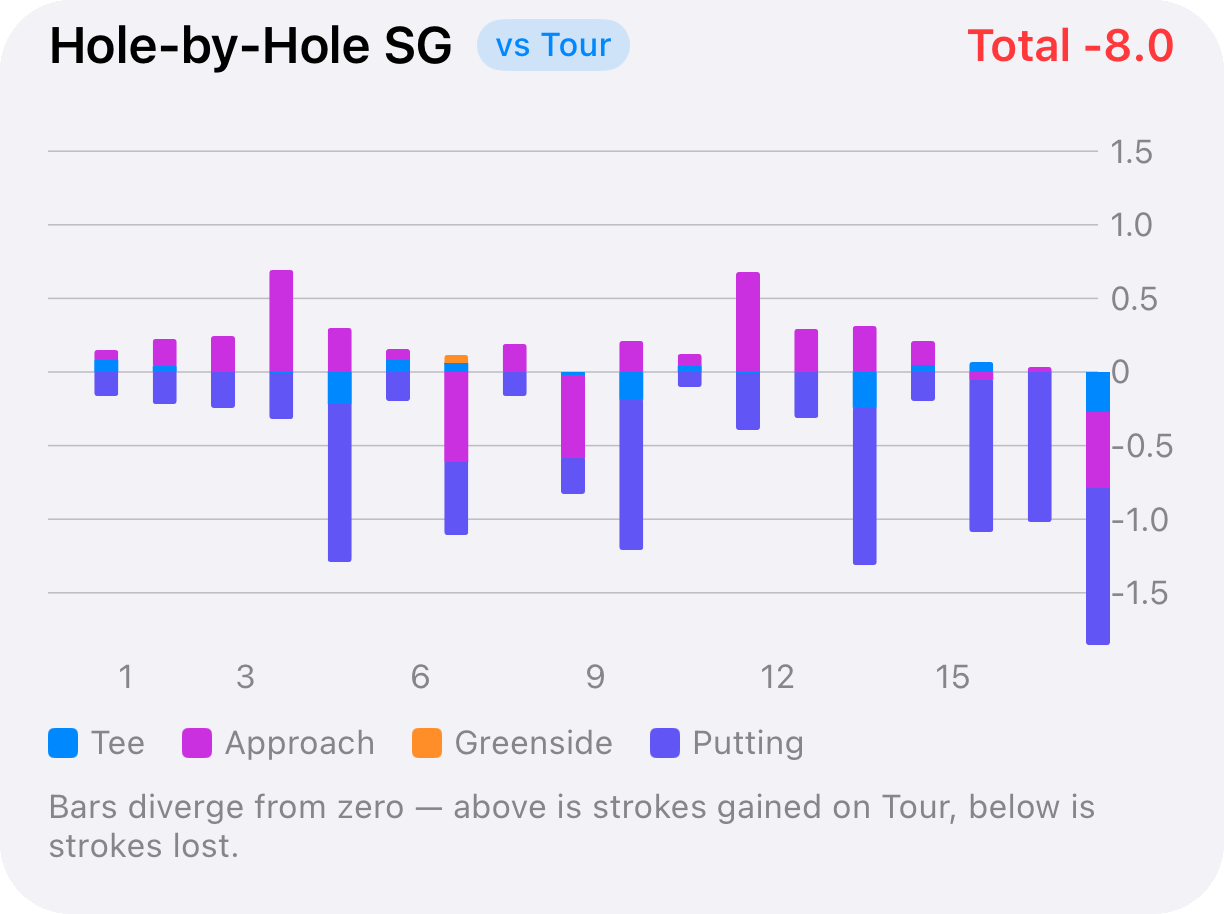
Every time you take a shot, there's an expected number of strokes it should take a benchmark golfer to finish the hole from where you're standing. Sink a 30-foot putt and you've done better than expected — you gained strokes. Chunk a wedge into a bunker and you've done worse — you lost strokes.

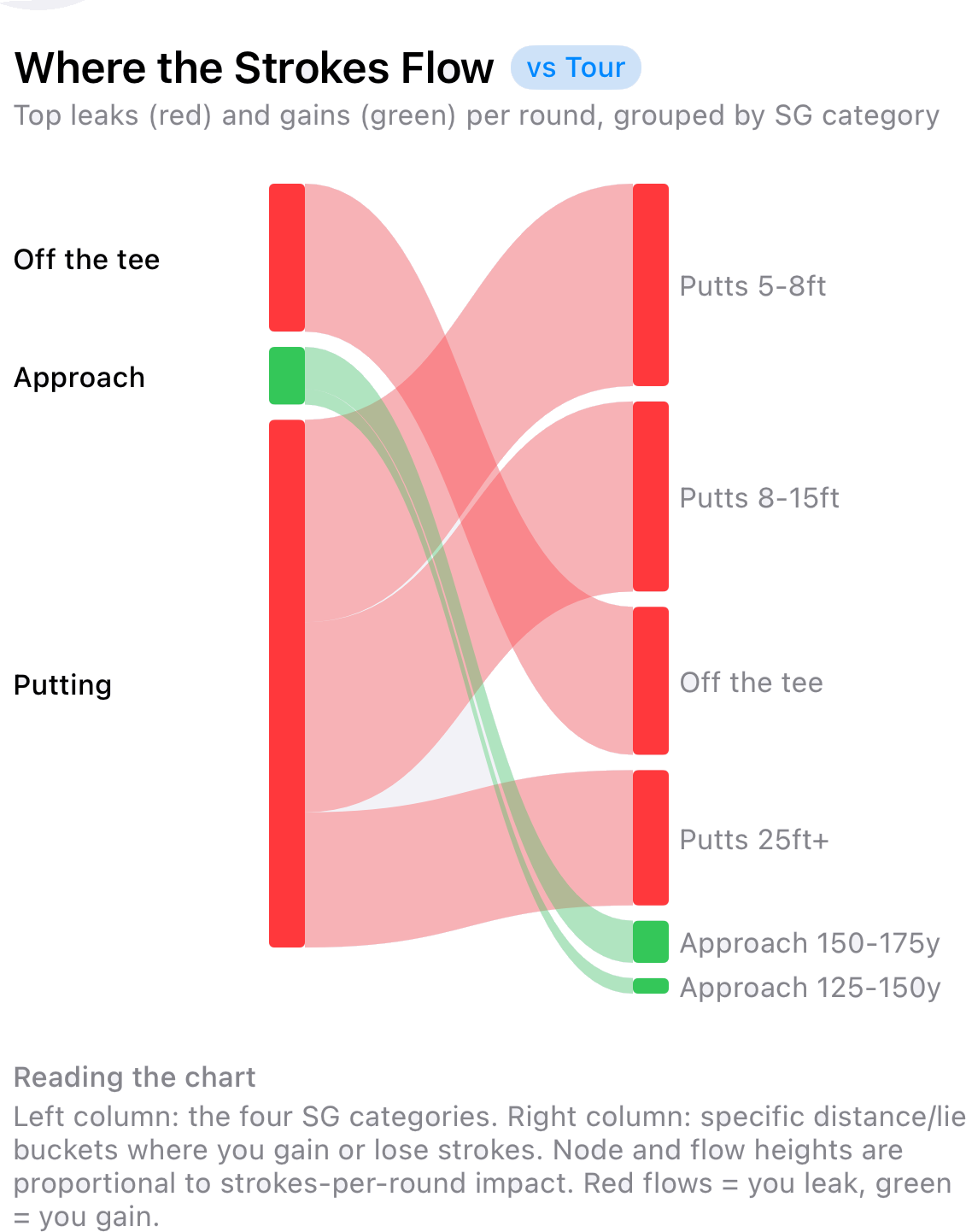
Optivo compares each of your shots to a PGA Tour baseline and adds up the difference. The result is a single, honest answer to the question every golfer asks: where am I really losing my shots?

The four categories

  • Off the Tee — tee shots on par 4s and par 5s.
  • Approach — shots aimed at the green from a distance.
  • Short Game — chips, pitches and bunker shots around the green.
  • Putting — everything on the dance floor.

Two baselines

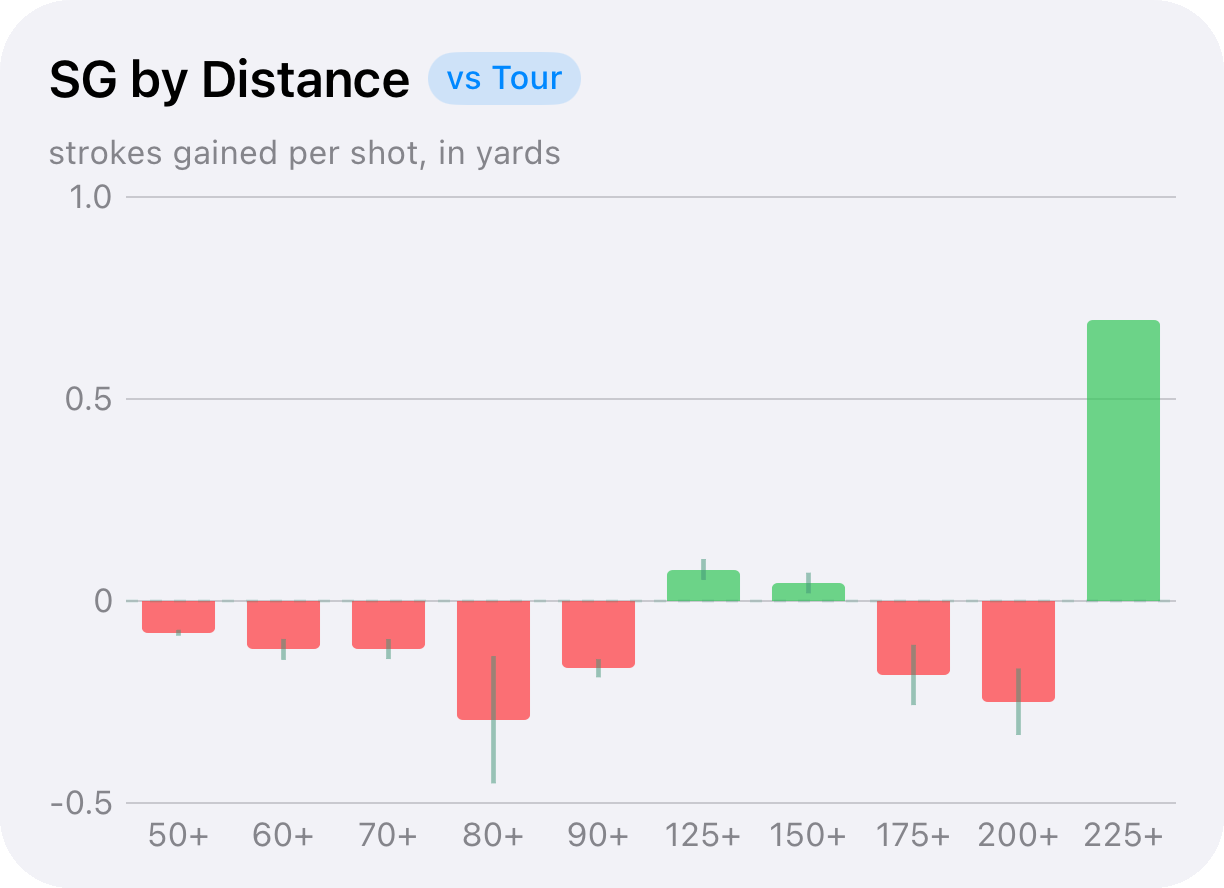
Compare yourself to the tour to see where you stand against the best, or switch to the "vs You" baseline to measure today's round against your own typical play. And because approach and putting are broken down by distance, you can see whether the leak is your 175-yard iron or your six-footers.

Strokes Gained needs shot-level data, so it's powered by Full-mode rounds. The more full rounds you log, the more reliable the picture.
Strokes Gained · Last 10 rounds

Off the Tee+0.6
Approach−0.9
Short Game+0.4
Putting+1.7

Approach by distance

75–100 yd+0.3
125–150 yd−0.2
150–175 yd−0.7
World Handicap System

Your handicap, calculated properly.

A handicap index is a portable measure of your demonstrated ability — it lets golfers of different standards compete fairly. Optivo implements the full World Handicap System (WHS) calculation on your device, so the number you see is the number a committee would arrive at.

How the index is built

  1. Score differential — for each round, Optivo converts your score into a differential using the course rating and slope rating.
  2. Best 8 of 20 — it takes the lowest 8 differentials from your most recent 20 qualifying rounds and averages them.
  3. Net double bogey — before the differential is calculated, any blow-up hole is capped at net double bogey so one disaster doesn't wreck your index.
  4. Soft & hard caps — if your index starts climbing fast, the soft cap slows the rise and the hard cap limits it, anchored to your lowest index in the last year.
  5. Exceptional score reduction — play far better than your index predicts and Optivo applies the extra downward adjustment the WHS calls for.

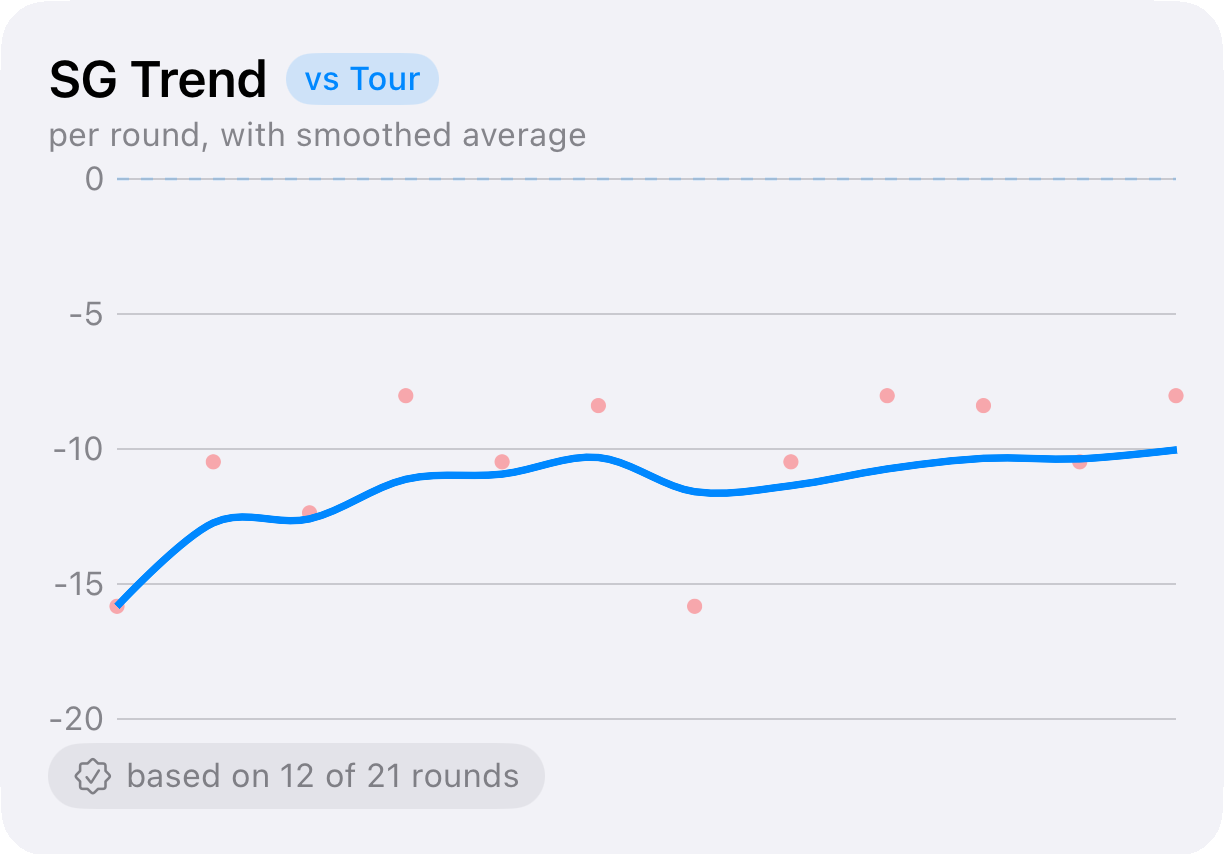
Every qualifying round updates the index, and the progression chart shows you the trend over time — so you can see your handicap actually move as your game improves.

Fewer than 20 rounds? The WHS uses adjusted tables for smaller sample sizes, and Optivo follows them, so you get a meaningful index from your very first rounds.
Round input modes

Four ways to log a round — pick the depth you want today.

You don't have to track every shot to get value out of Optivo. Start light, go deeper when you feel like it. The richer the mode, the more analysis it unlocks.

Captures Record Core Basic Full
Total / hole score Yes
all holes at once
Yes Yes Yes
Putts per hole Yes Yes
Fairways in regulation Yes Yes
Shot-by-shot (lie, distance, penalties) Yes
Strokes Gained analysis Yes
Best for Logging an old scorecard quickly A fast score-only round Tracking the basics on the go Serious analysis & SG

Every mode contributes to your scoring trends and, when the round qualifies, to your handicap index. Only Full mode produces Strokes Gained.

Course discovery & pin-drop courses

Optivo finds nearby courses through Apple Maps. Playing somewhere off the grid? Drop a pin to create a custom course and it's yours forever. Course details live on your round, so your history stays intact even if a listing changes.

Notes & labels

Keep swing thoughts, course conditions and lesson takeaways in one place. Add labels to organise them, and link a note to the round it came from so the context is always one tap away.

Sharing & coach reports

Export a clean scorecard, or generate an AI coach report that summarises the round in plain English. Both go out as text — drop them into Messages, WhatsApp or an email to your coach.

Trends over time

The Trends tab pulls it together — scoring trends, activity by month and year, and your handicap progression — smoothed so you can see the signal, not the noise.

Unified search

One search field spans rounds, notes and labels. No more digging through tabs to find the round at Pebble or the note about your takeaway.

Yards or metres

See distances in imperial (yards) or metric (metres) — your choice, applied everywhere distances appear.

Ready to see your game clearly?